Compromised ISP Network? Botnet Brute Force and Compromised Infrastructure
Explore my NLP research and published research.
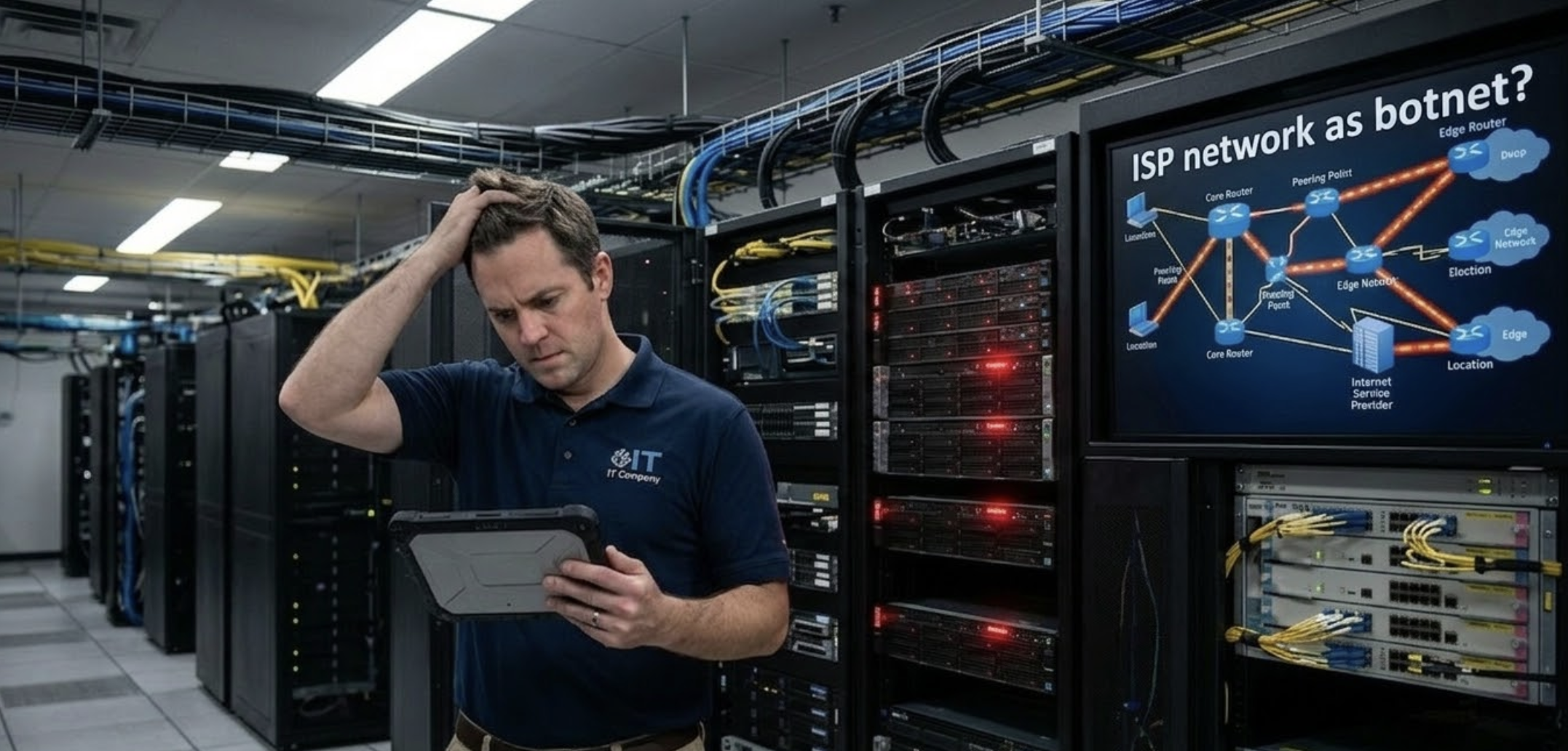
The Incident
On March 12, 2026, I was reviewing SSH authentication logs on my VPS when I noticed a surge of failed login attempts. Within a two-hour window, from 13:51 to 14:49, my server had been hit by 13 unique IP addresses, all cycling through usernames in rapid succession. The pattern was unmistakable: this was coordinated, automated brute force scanning.
Standard procedure: I compiled the attacker IPs and pushed block rules to my Juniper firewall. The moment I committed those rules, the entire network lost Internet access. Rolling back the configuration immediately restored connectivity. Something in that list of 13 "attacker" IPs was actually serving as legitimate network infrastructure.
The Attack Pattern: Classic Botnet Behavior
Looking at the raw logs, each IP tried multiple distinct usernames, never repeating the same one twice in sequence. This is not a human manually guessing passwords. This is a distributed botnet running a shared credential wordlist, with each node hitting a different slice of the target.
Here is the full breakdown of every IP and the usernames it attempted within the two-hour window:

⚠ Key Finding
When all 13 IPs were blocked simultaneously, the entire network lost Internet access. Rolling back the firewall rules immediately restored connectivity. This behavior is consistent with only one explanation: at least one of these IPs is also serving as an upstream network hop or gateway along the active routing path. This means a device within the ISP's own infrastructure has been compromised and is participating in the botnet.
Why This Points to a Compromised ISP Device
Under normal circumstances, blocking a list of brute force source IPs should have no effect on your own outbound Internet access. Your outbound traffic follows a completely separate path, from your device, through your ISP's gateway, out to the Internet. Attacker IPs and your routing path should never overlap.
But they did overlap. The moment those 13 IPs were denied at the firewall, outbound Internet traffic stopped. This means one of those IPs is sitting somewhere along the network path between the local network and the Internet, most likely an ISP-managed device, such as a core router, transit hop, or CPE gateway, that has been silently compromised.
A compromised ISP device does not announce itself. It performs its legitimate routing function during the day while running botnet scanning jobs in the background. From the outside, it looks identical to any other scanner on the Internet.
This is a known botnet propagation technique. Threat actors specifically target routers, CPE devices, and edge infrastructure because they offer high-bandwidth connections, rarely get patched, and are almost never monitored for outbound attack traffic. Once compromised, these devices join a pool of scanning nodes — using their legitimate ISP IP addresses as cover.
The Usernames Tell a Story
The credential wordlist these bots are running is not random. It is carefully curated to target modern self-hosted infrastructure. Looking at the usernames across all 13 IPs, several patterns stand out:

The username n8n appeared across four separate IP addresses, making it the most targeted service in this particular campaign. If you are running n8n, Coolify, or any similar self-hosted platform exposed on port 22, this campaign is specifically hunting for you.
What You Should Do Right Now
1. Identify your upstream gateway before blocking
Before applying any IP blocklist at the firewall level, always check your current routing table to identify your upstream gateway IP. The exact command varies by platform — whether you are on a Linux server, a Cisco, Juniper, Fortinet, pfSense, or any other NGFW — but the logic is universal:
# PSEUDOCODE — adapt to your firewall/router platform

SHOW default_route FOR destination 0.0.0.0/0
  → note the next-hop IP address

SHOW static_routes
  → confirm any manually configured upstream hops

SHOW bgp_neighbors           # if running BGP with your ISP
  → identify peer IPs used for routing
The IP shown as the next-hop in your default route must never appear in your blocklist. Whitelist it explicitly before applying any deny rules.
2. Apply blocks with an explicit permit for your gateway
# PSEUDOCODE — adapt to your firewall/router platform
# CRITICAL: The PERMIT rule for your gateway must be evaluated BEFORE the DENY rules.
# Most firewalls process rules top-to-bottom; order matters.

CREATE filter "BLOCK-SSH-BRUTEFORCE":

  RULE 1 — allow-gateway (evaluated FIRST):
    IF source_ip MATCHES YOUR.GATEWAY.IP/32
    THEN PERMIT

  RULE 2 — block-attackers (evaluated SECOND):
    IF source_ip MATCHES ANY OF:
      43.163.107.154/32
      179.33.186.150/32
      103.187.147.163/32
      202.4.106.201/32
      103.13.206.208/32
      212.233.136.201/32
      51.161.153.48/32
      103.2.225.33/32
      124.155.125.131/32
      14.22.89.30/32
      112.120.171.95/32
      194.107.115.2/32
      223.123.65.63/32
    THEN DENY (drop/discard)

APPLY filter to WAN-facing interface, direction INBOUND
SAVE AND COMMIT with message "SSH brute force block Mar 12 - gateway whitelisted"
3. Move SSH off port 22
The overwhelming majority of automated scanning targets port 22. Moving SSH to a non-standard port (e.g., 2222 or higher) eliminates nearly all opportunistic scan traffic without blocking any IPs at all.
4. Enforce key-only authentication
Password authentication should be disabled entirely. With only SSH key authentication allowed, brute force attempts become cryptographically irrelevant regardless of how many usernames are tried.
# PSEUDOCODE — adapt to your OS / SSH daemon configuration

SSH_CONFIG:
  SET password_authentication    = DISABLED
  SET public_key_authentication  = ENABLED
  SET permit_root_login          = KEY-ONLY  # or DISABLED entirely

RESTART ssh_service to apply changes
VERIFY by attempting a password login — it should be rejected
5. Report the compromised IP to your ISP
If you determine that one of the brute force source IPs belongs to your ISP's infrastructure, report it to their abuse team immediately. Include your log excerpts with timestamps. ISPs can identify which device is originating the traffic and isolate it for remediation. This protects not just you. It protects every other subscriber on that network.
The Broader Picture
This incident is a useful reminder that the Internet's attack surface is not just malicious actors in distant data centers. It includes the infrastructure we depend on daily — routers, gateways, and transit devices operated by the very providers connecting us to the Internet. When those devices are compromised, they do not just become threats to other networks. They become invisible threats that can disrupt your own connectivity the moment you try to defend against them.
In just two hours, 13 IP addresses generated over 40 SSH login attempts against a single server, with zero successful authentications. The defenses held. But the more important lesson is not that the brute force failed. It is one of those "attackers" that was also a critical piece of my network path, and I almost locked myself out trying to stop it.
Always know your routing table before you touch your firewall.
#cybersecurity #ssh-brute-force #botnet #vps-security #juniper #fail2ban #networking #isp #sysadmin #philippines
Related Articles
The "AI Prompt" Pandemic in Academic Publishing
I’ve been coming across a growing number of published journal articles and technical papers that have one thing in common: The AI's "closing suggestions" were left in the final text.From …
Read More →Surviving the 2026 Energy Shock: Why AI Training is the Best "Recession-Proof" Investment
The March 2026 conflict between the US, Israel, and Iran has sent shockwaves through the global economy. As Brent crude climbs and semiconductor supply chains tighten due to military prioritization, …
Read More →Rethinking AI in the Academe: Hardware Depreciates, Skills Scale
I saw this presentation posted on a page for the #CHEDRAISE event earlier today, and there was a strong push for schools to acquire heavy on-premise AI infrastructure for student …
Read More →Subscribe to Updates
Get notified about new blog posts, AI insights, and digital transformation strategies.
We respect your privacy. Unsubscribe at any time.